Cliniko has a data export feature that gives you a complete CSV of your patients. Here's how to use it.
Step 1 — Export from Cliniko
- Log into Cliniko
- Go to Settings → Data Export
- Export your Patients data as CSV
- You'll receive an email with a download link
Step 2 — Import into MassageHub
- Go to Clients in MassageHub
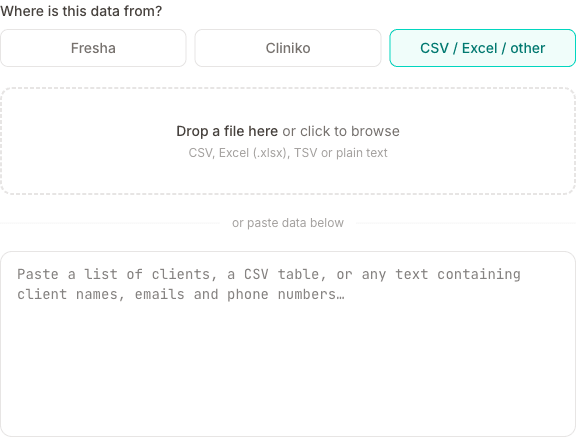
- Click Import clients
- Upload the patients CSV
- Review the extracted clients and click Import
Notes on Cliniko exports
Cliniko exports can be quite large. If you have more than 500 patients, split the file into smaller chunks before importing (you can filter by last name or date range in Cliniko before exporting).
If your export has a marketing or newsletter column, that consent comes across with each patient. If it does not, everyone arrives as not opted in, and you can switch the right ones back on together from the client list.
Clinical notes, treatment history and past appointments stay in Cliniko — only the patient demographics are imported, and there's no bulk way to bring appointment history across. Keep your Cliniko account (or a PDF export of the records) for as long as your insurer or professional body requires. If you want a few recent sessions in your MassageHub diary, you can add them by hand — past dates are allowed, and a backdated session won't email your client.
New to the way MassageHub works? Why we're not a marketplace explains the no-commission model and what you own instead.